
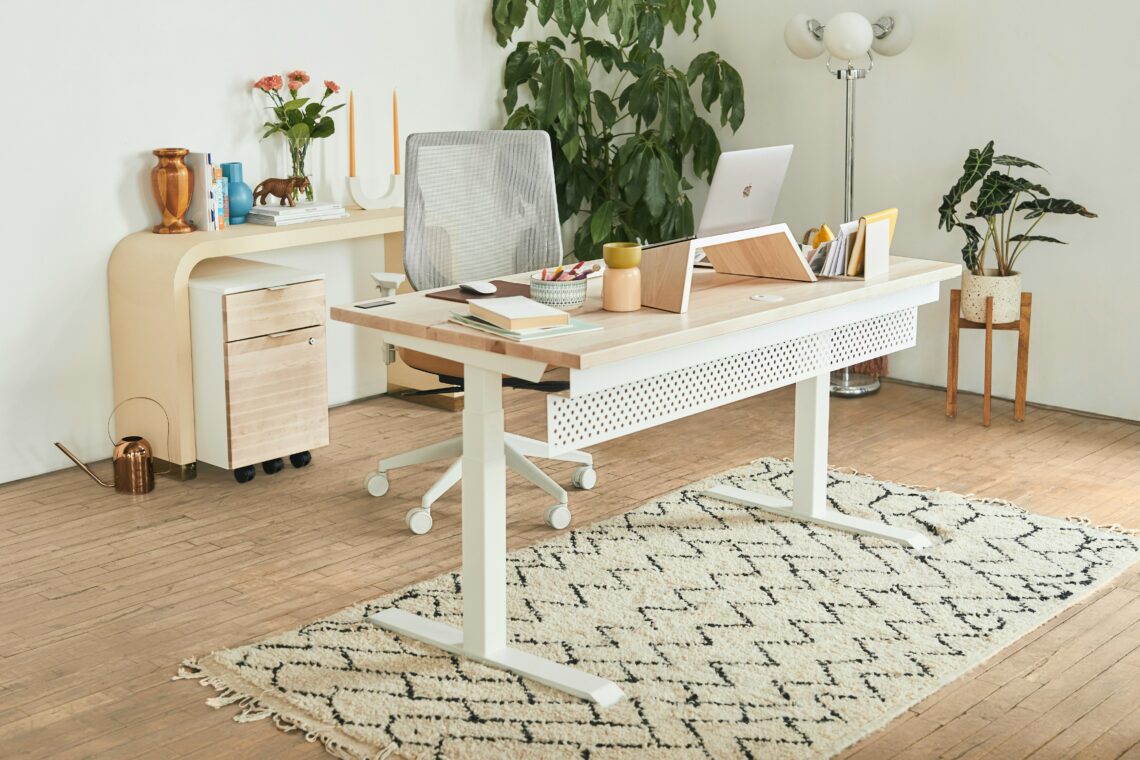
What’s the most important part of any home office or study area? Your desk.
A desk and how it’s set up play a massive role in your overall comfort and productivity. Whether you work from home, go to college, or just spend long hours at your desk, you need to create a space that works for, not against, you.
Do you want a standing desk and treadmill? Do you need dual monitors? What type of desk chair provides the most support for your body? There’s a lot to consider.
That’s why we created this guide on how to set up a desk. You’ll learn the importance of a good setup, the items every desk area needs, and even how to optimize your desk location.

Why Desk Setup Matters
Maintain Focus
The biggest drawback of working or studying at home is the distractions. Everything is right there, tempting you away from your desk.
Arranging your desk to minimize distractions, whether that means facing toward the wall or setting up a make-shift screen, helps you stay focused throughout the workday. The more focused you are, the more productive you are, and the sooner you’ll finish work/studying.
Support Workflow
Not having what you need at your fingertips can also disrupt your focus. If you constantly have to search for books, papers, or a pen, it’ll make it much harder to get work done.
A well-set-up desk, on the other hand, can be customized for exactly what you need. If you work best while walking, you can add a treadmill. If you need client files for easy reference, put a file organizer right on your desk.
Stay Comfortable
Discomfort can make it shockingly hard to be productive. A portion of our brain will always be thinking about the uncomfortable area. And, if you don’t take care of problems now, you can cause bigger problems down the road.
If you’re spending long hours working or studying, having a desk and chair that’s comfortable and supportive is a must. You’ll not only have less pain, but you’ll also find you’re more focused and produce better results.
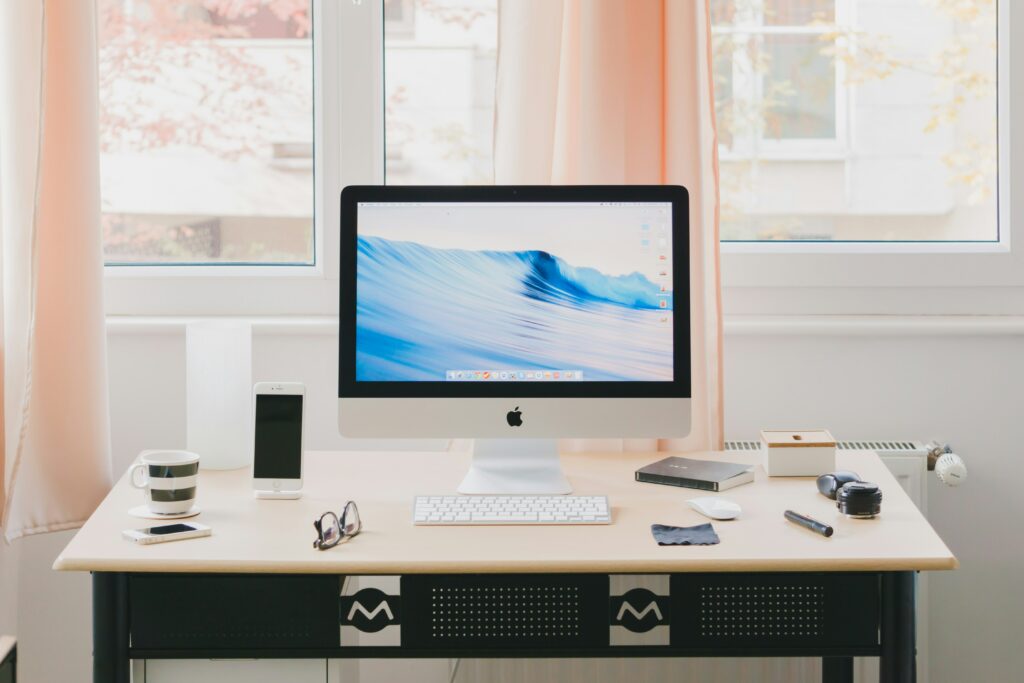
Desk Must-Haves
Desk
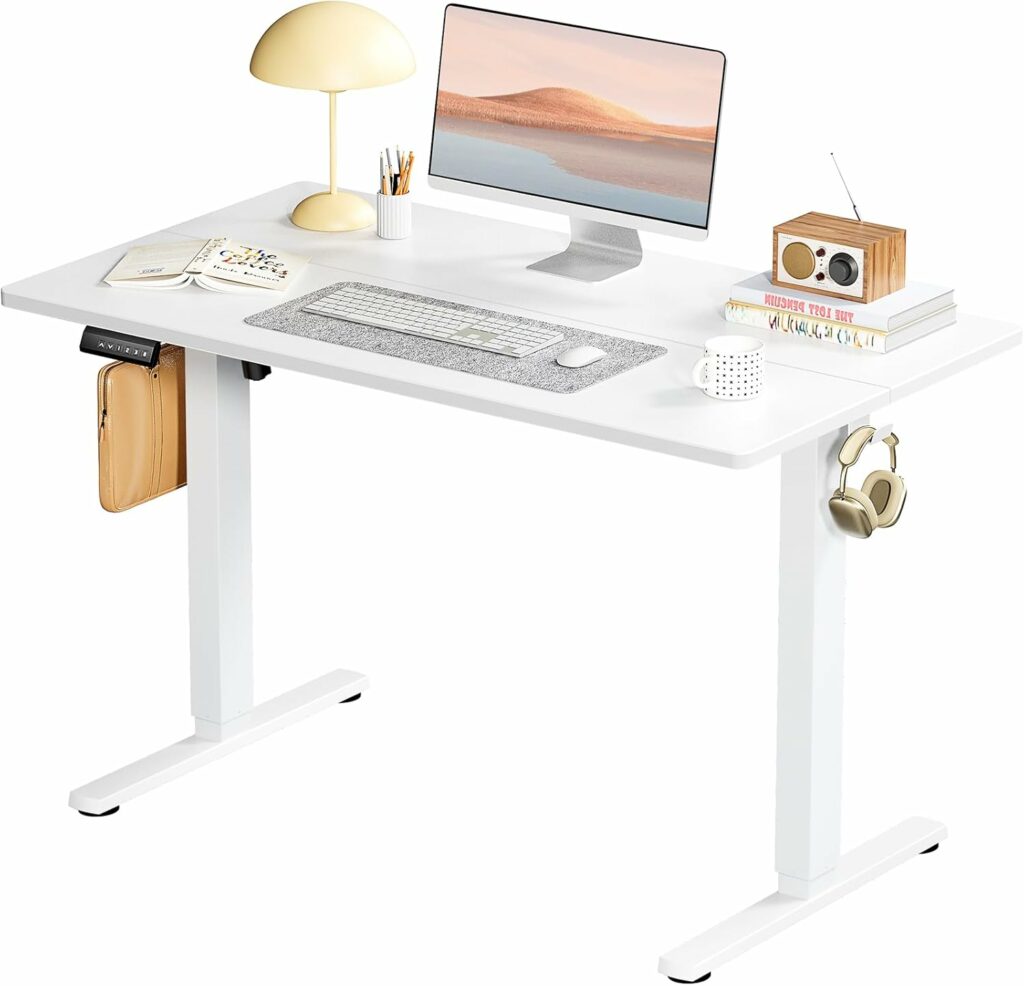
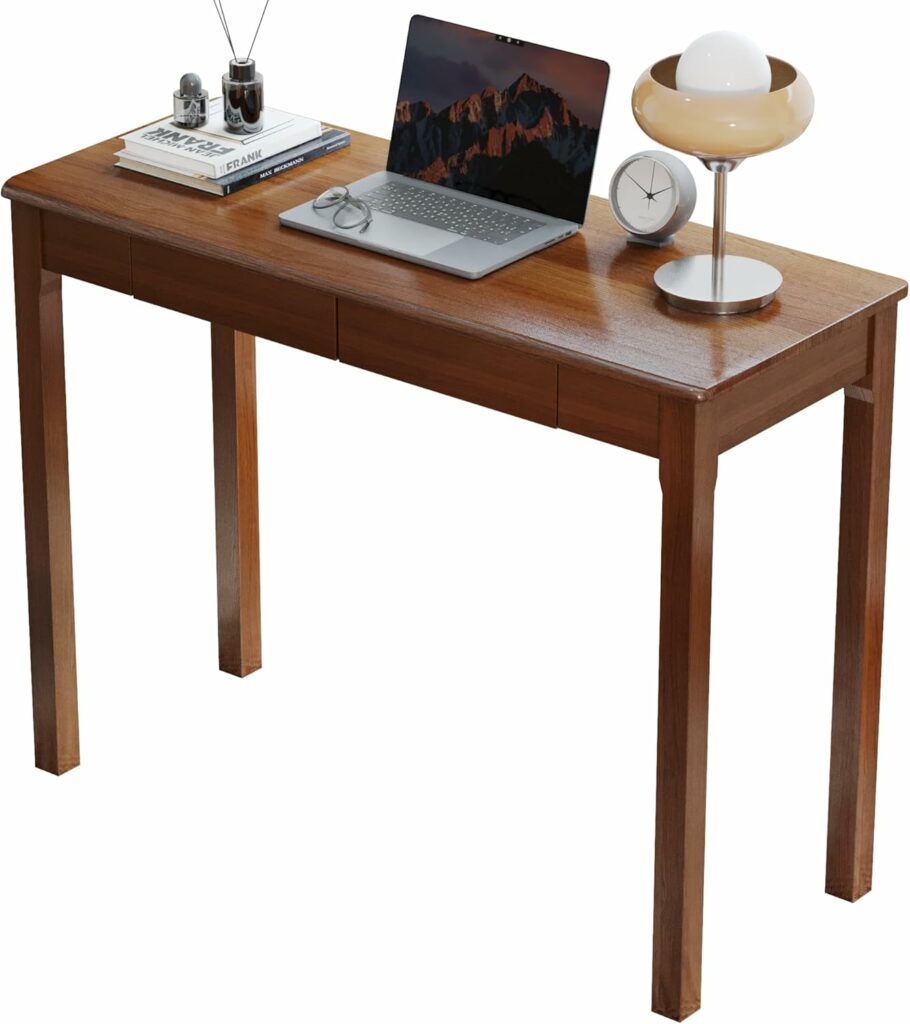
Obviously, the first thing you need for a desk setup is the desk itself. Because styles range so widely and everyone has different needs, it’s hard to give blanket recommendations for what to pick. But here are a few questions to ask yourself while shopping.
- Do you want the option to stand at your desk?
- What storage does it have?
- Is it the right height for you?
- Is there enough space on top for everything you need?
- Do you like the material it’s made of?
Chair
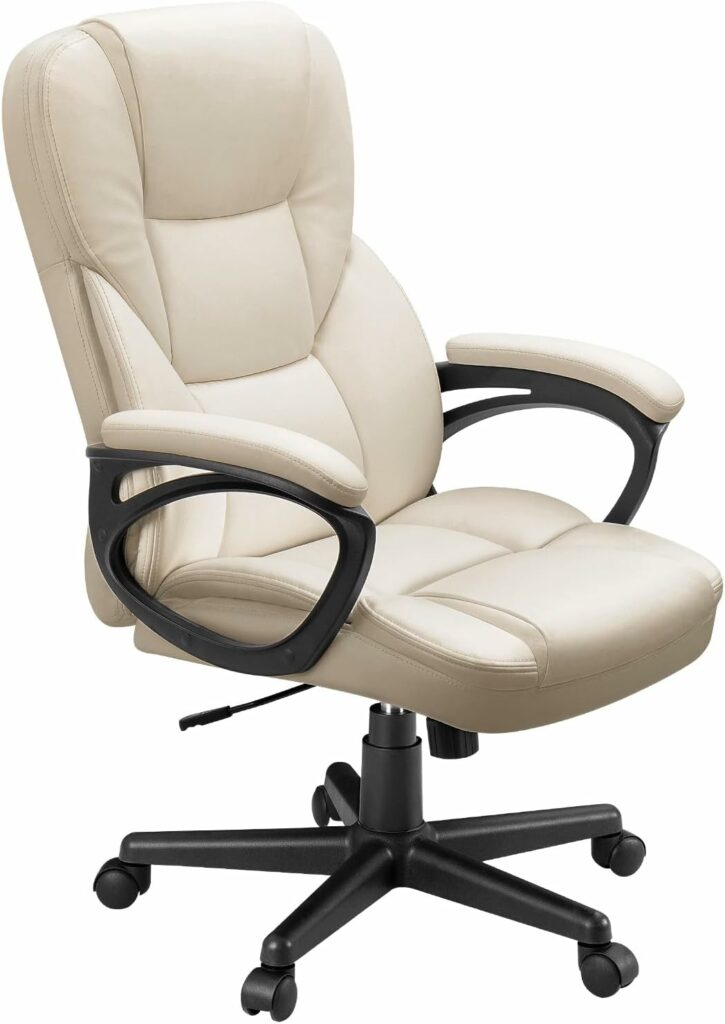
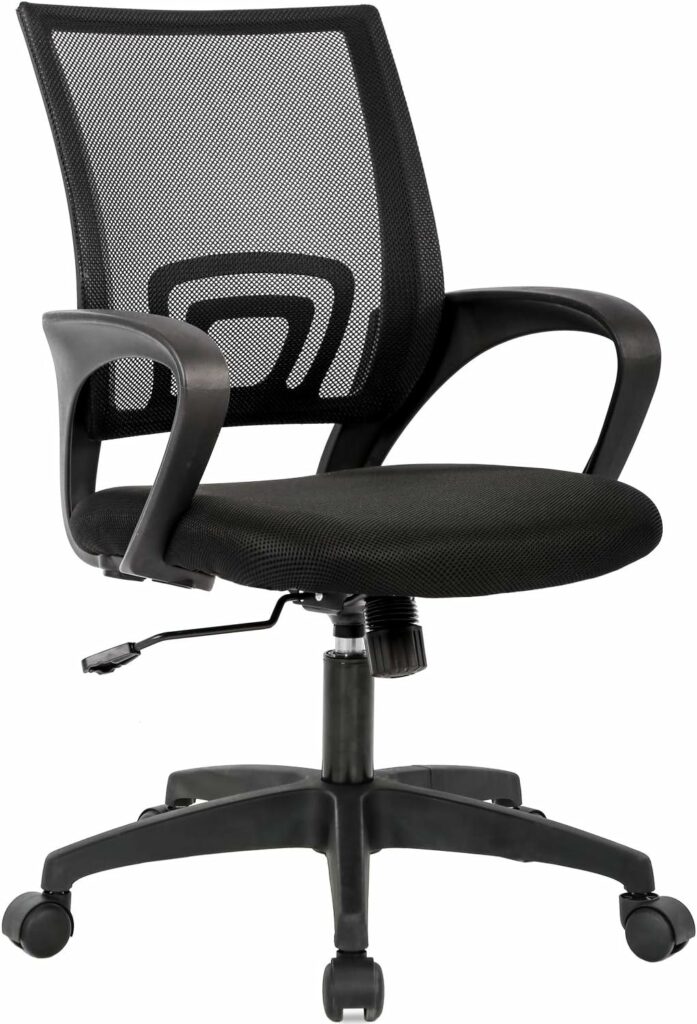
A good desk chair is an often-overlooked item that’s worth investing in. You want something supportive, adjustable, and comfortable, even during the longest work days.
Like desks, there are many options to choose from, so take your time shopping, and, if possible, try the chair before buying. A few things to consider include:
- Does it support your back?
- Does it encourage good posture, or do you find yourself hunching?
- Are the armrests at a good height?
- Do your feet touch the floor?
- Does it fit with your desk?
- Do you like the material?
Computer
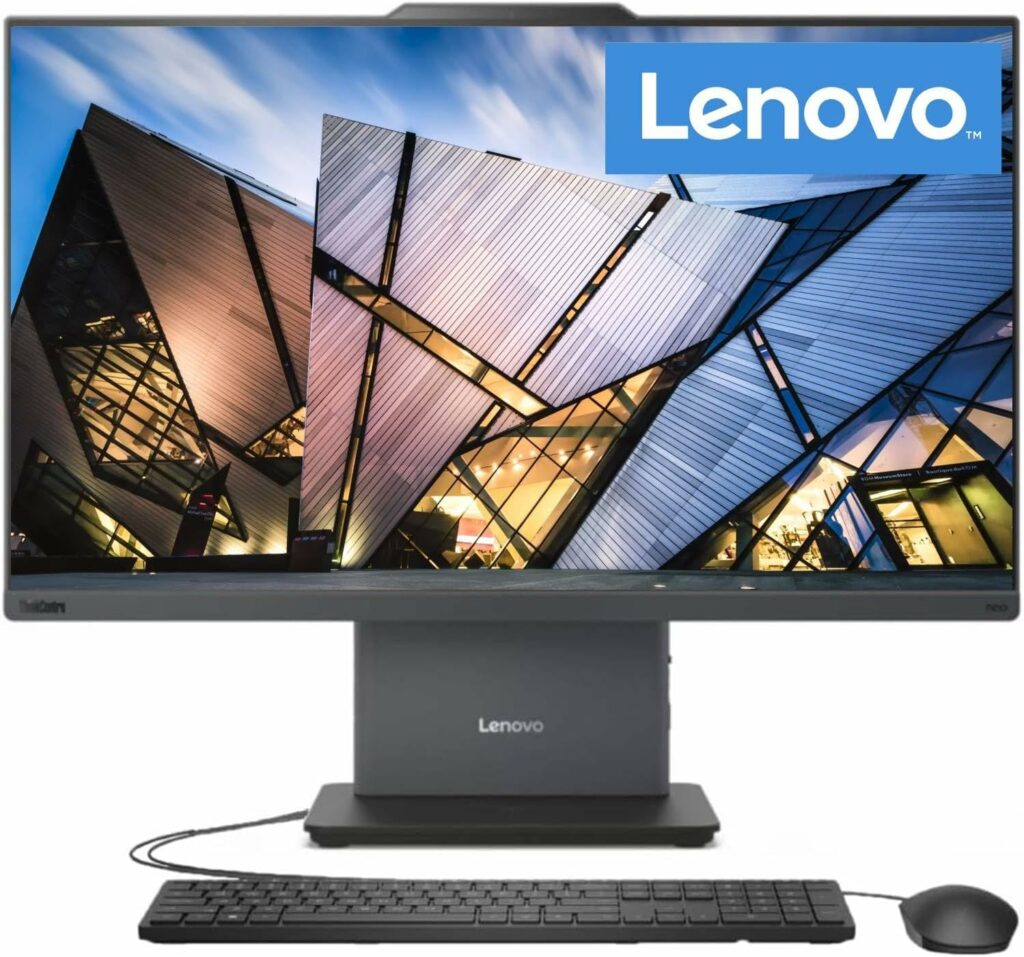
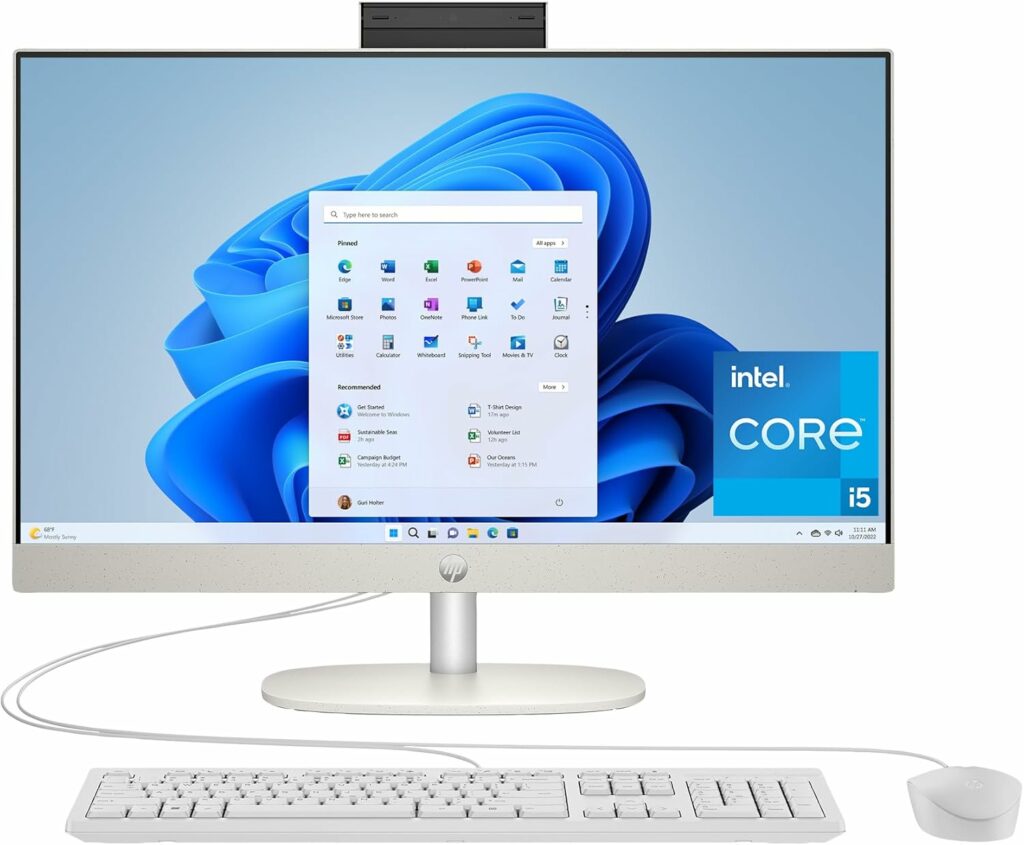
A computer is well worth investing in for your overall work experience. Look for one with good speed, lots of storage, and a good-sized screen for ease of use. You may also want to consider dual monitors if you like to work with a lot of programs at once.
Keyboard
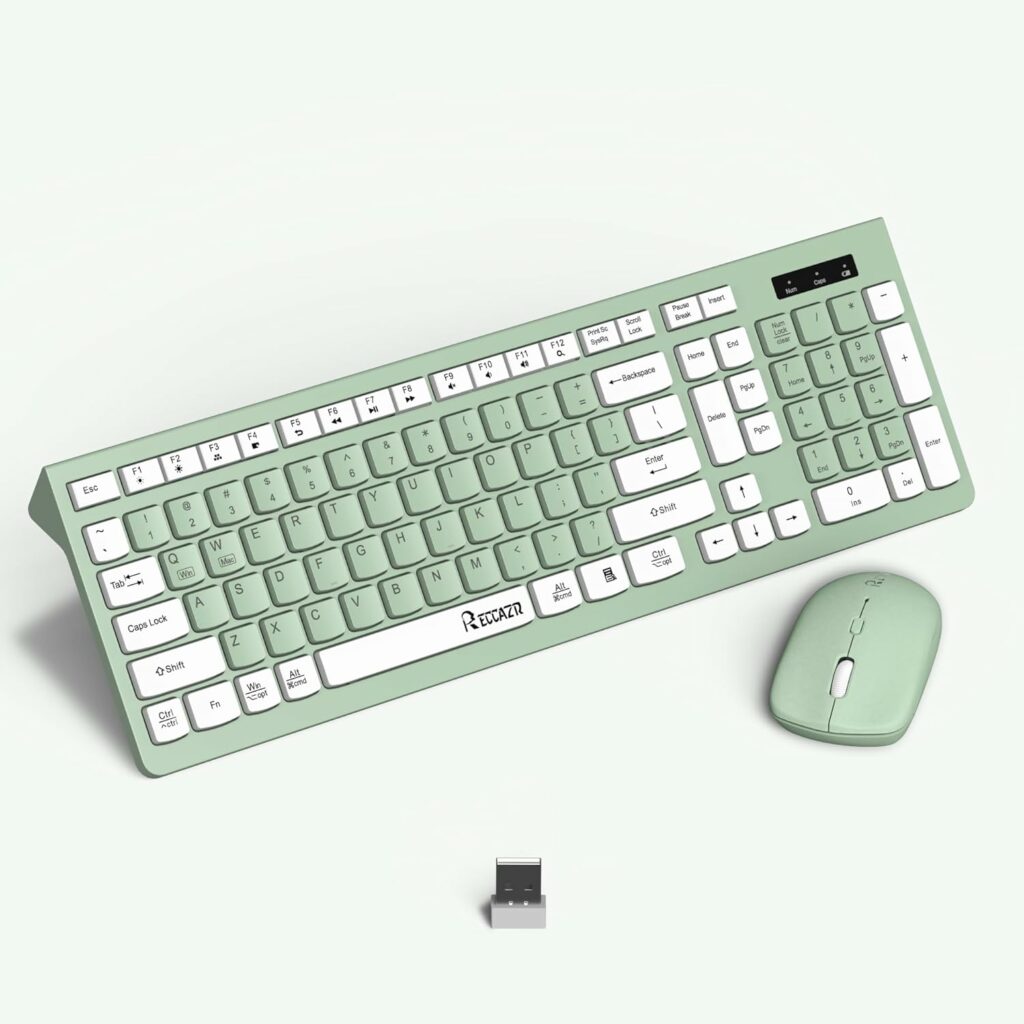
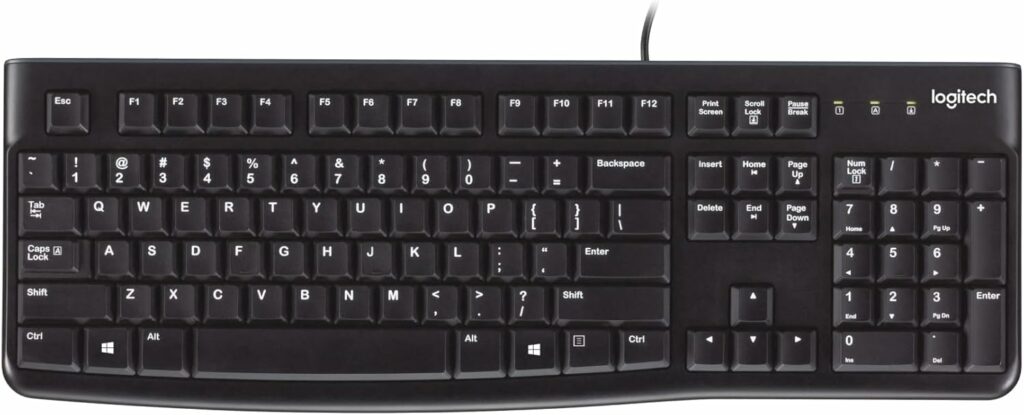
To go with your computer, you’ll need a keyboard. For a basic piece of equipment, there are a shocking number of choices available. You can even build a custom keyboard that looks and sounds exactly the way you want. But don’t worry, you can also keep it simple and find a basic one on Amazon.
Mouse
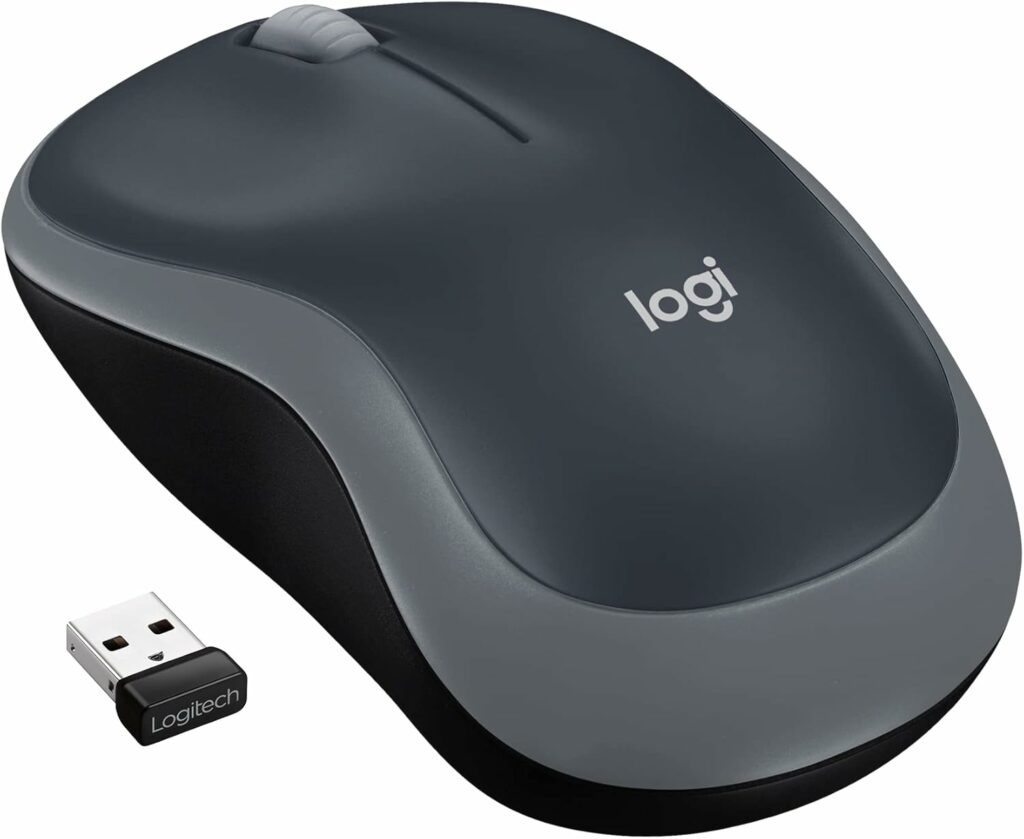
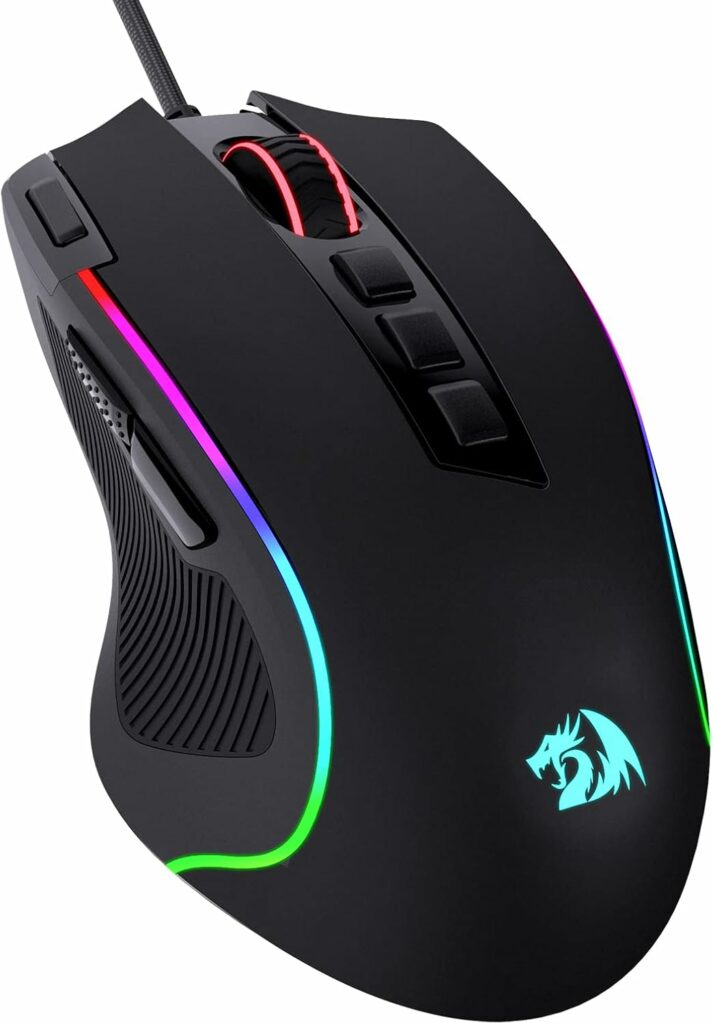
Finally, you’ll want a mouse to use with your computer. There are fewer options with mice than keyboards, but you’ll still have a few kinds to choose from. Look for one that fits your hand, works well with your computer, and is comfortable to use.
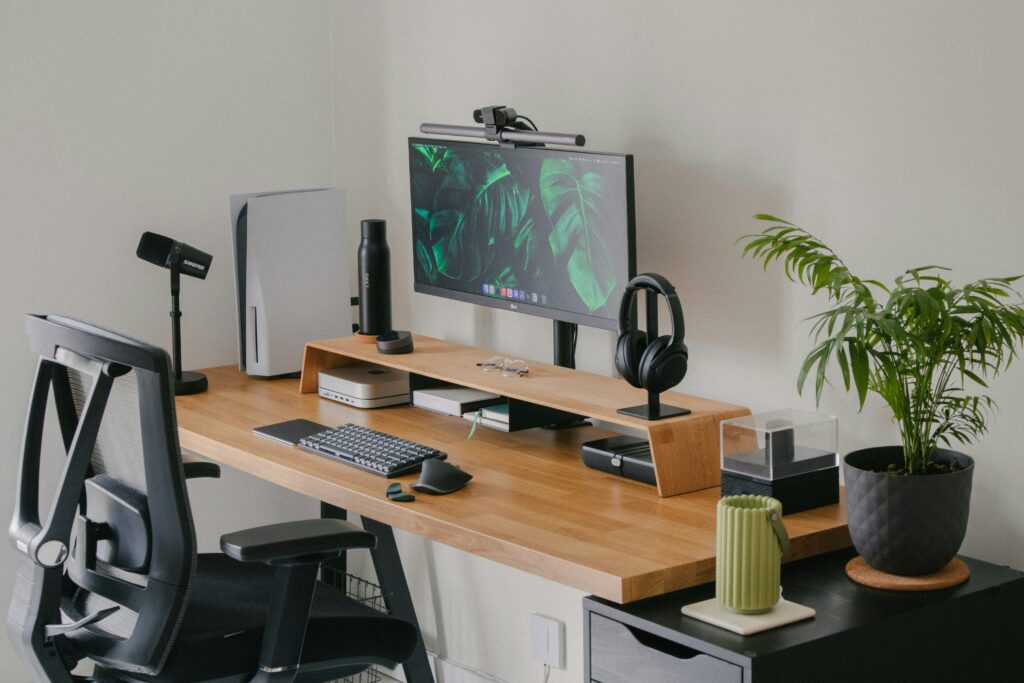
Desk Accessories
Desk Mat
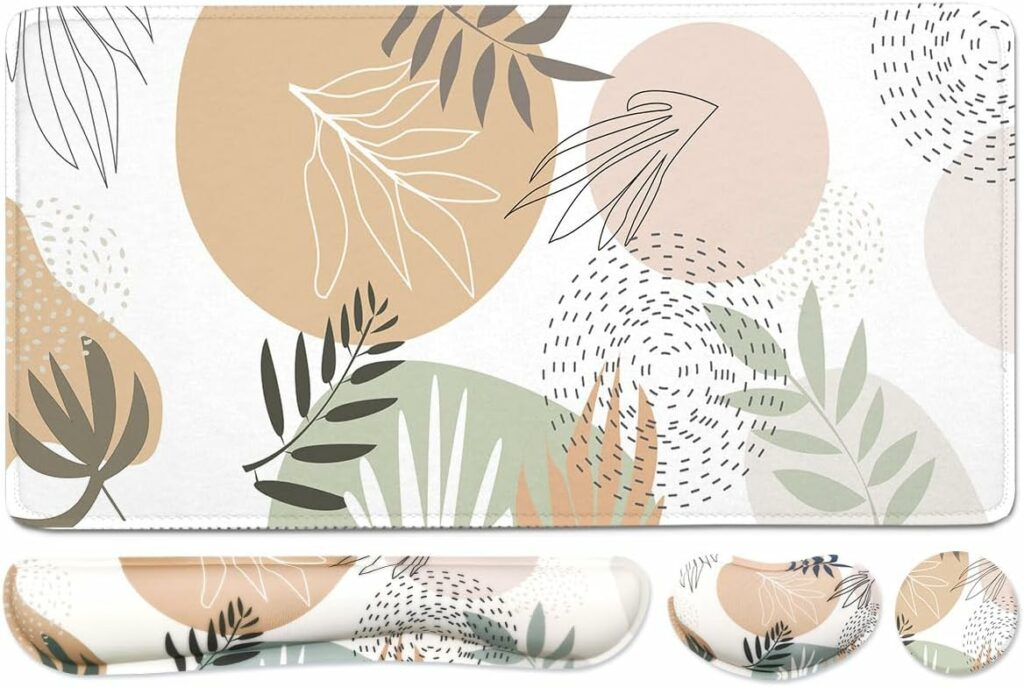
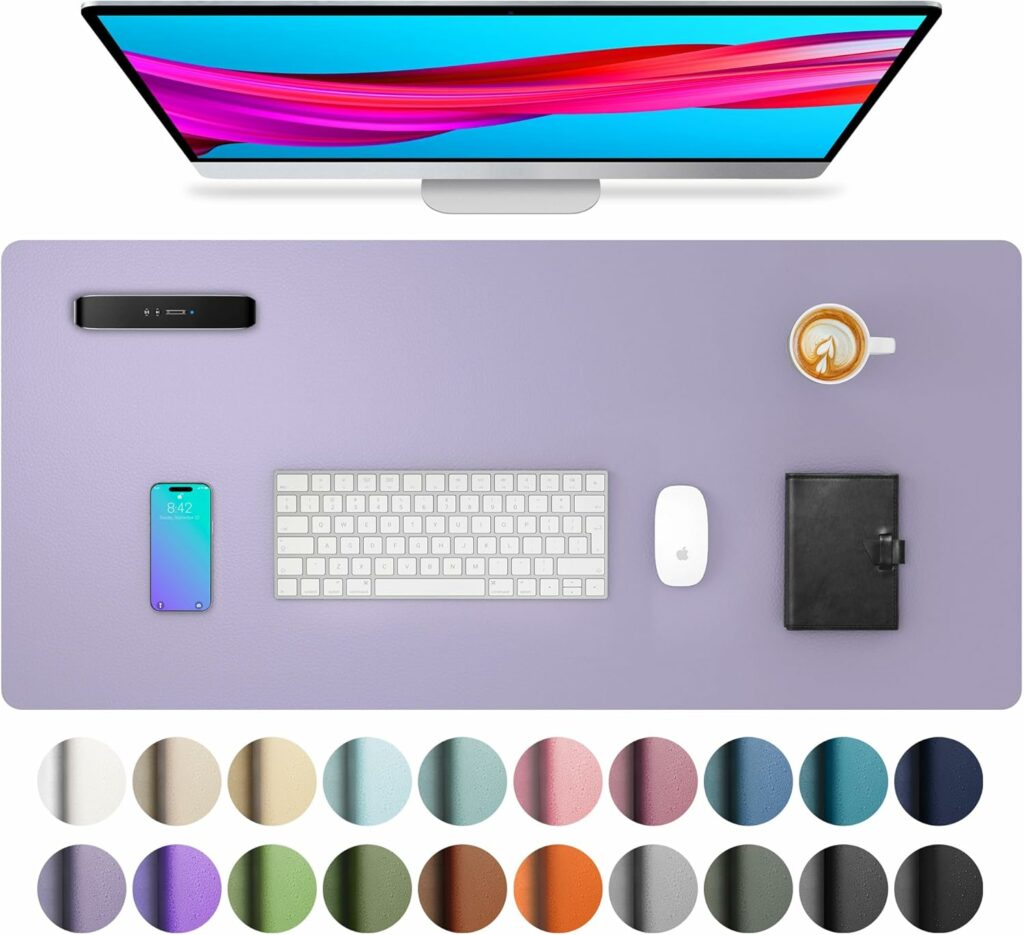
A desk mat can help protect your desk, double as a mouse pad, and even provide wrist support while typing. It’s also a great way to keep your desk clean and add personality to even the most basic desk.
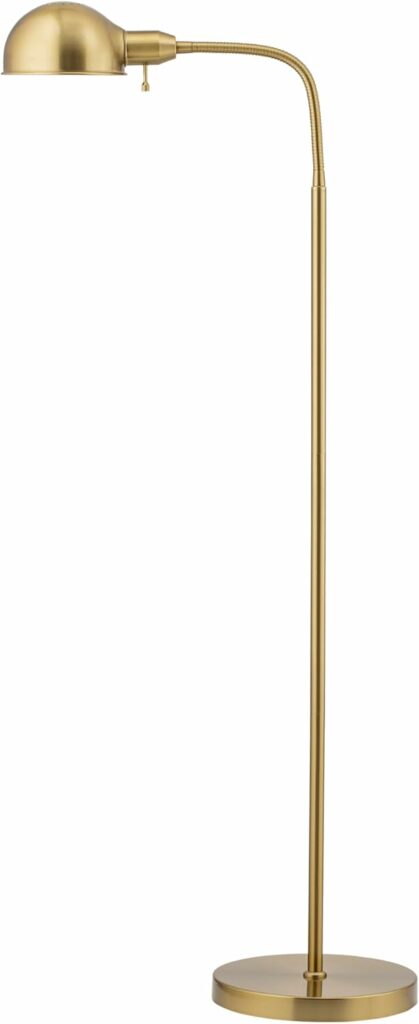
Lighting
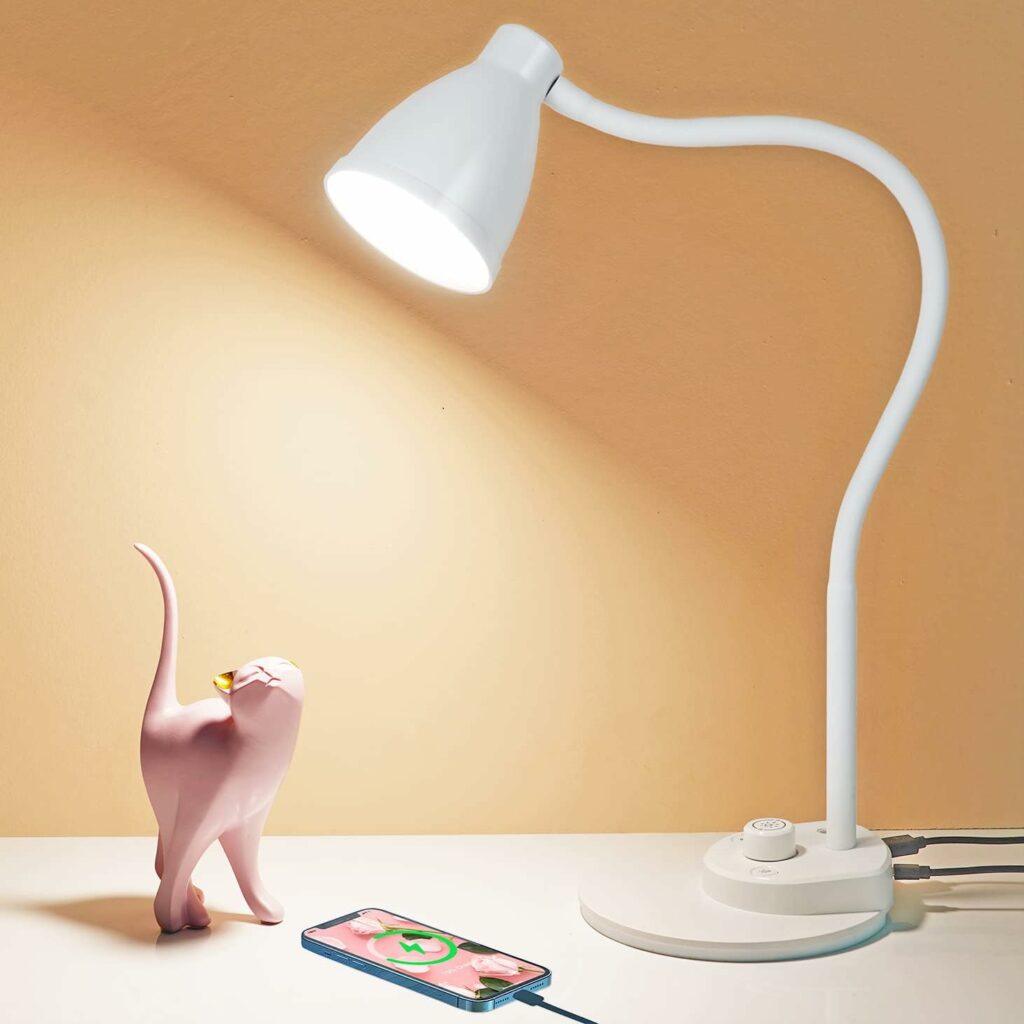
If your desk feels like it’s missing something, a good light might be the answer. It can also help your focus and overall mood at your desk.
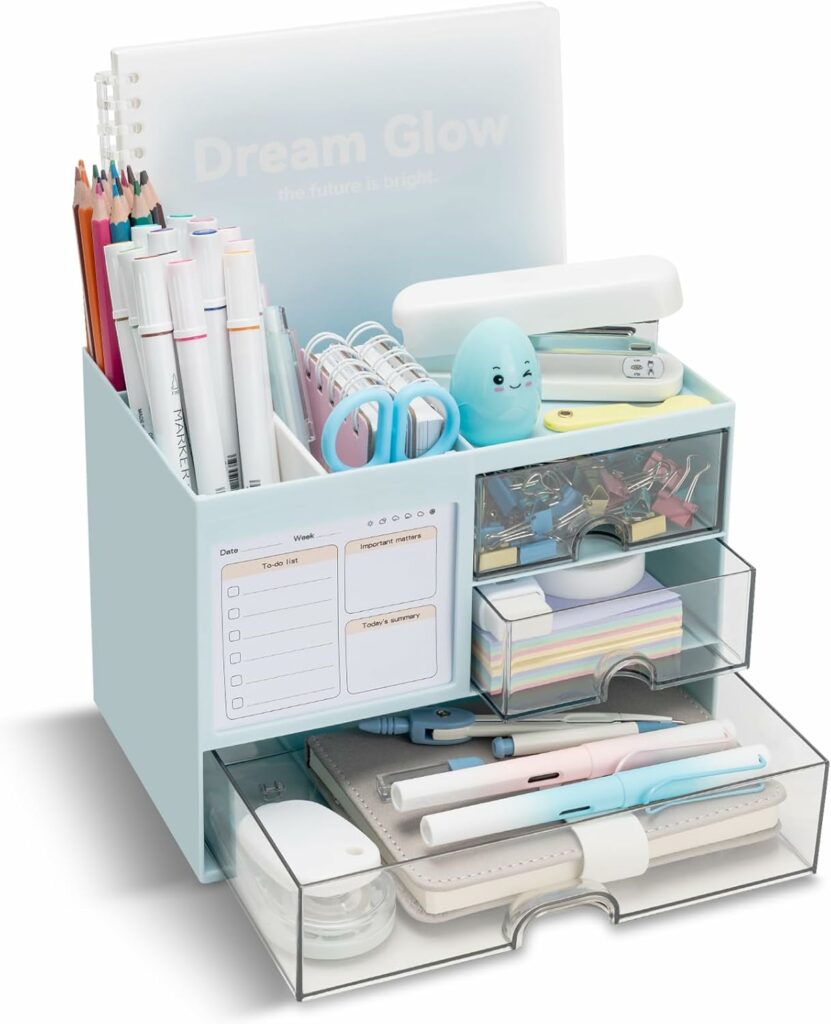
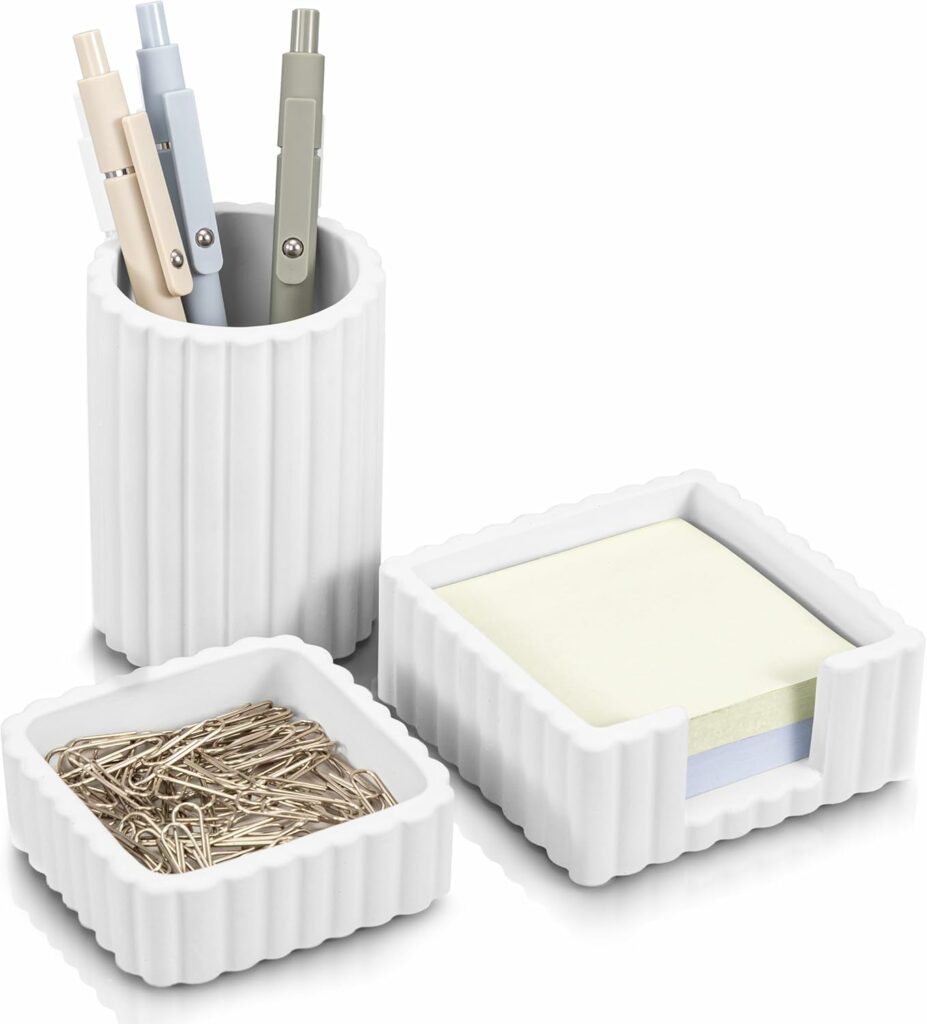
Organizers
To keep your desk tidy and still store everything you need, invest in pretty organizers. File holders, pen cups, and trays are all great choices with multiple uses.
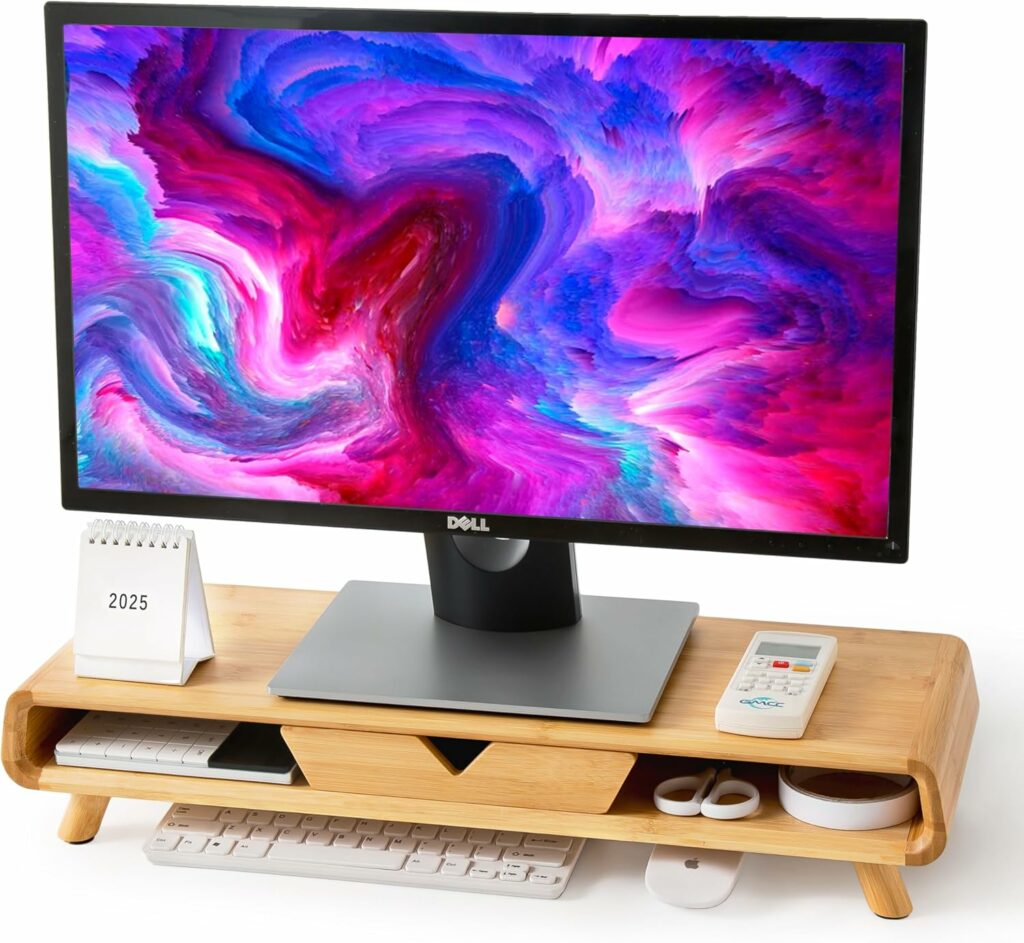
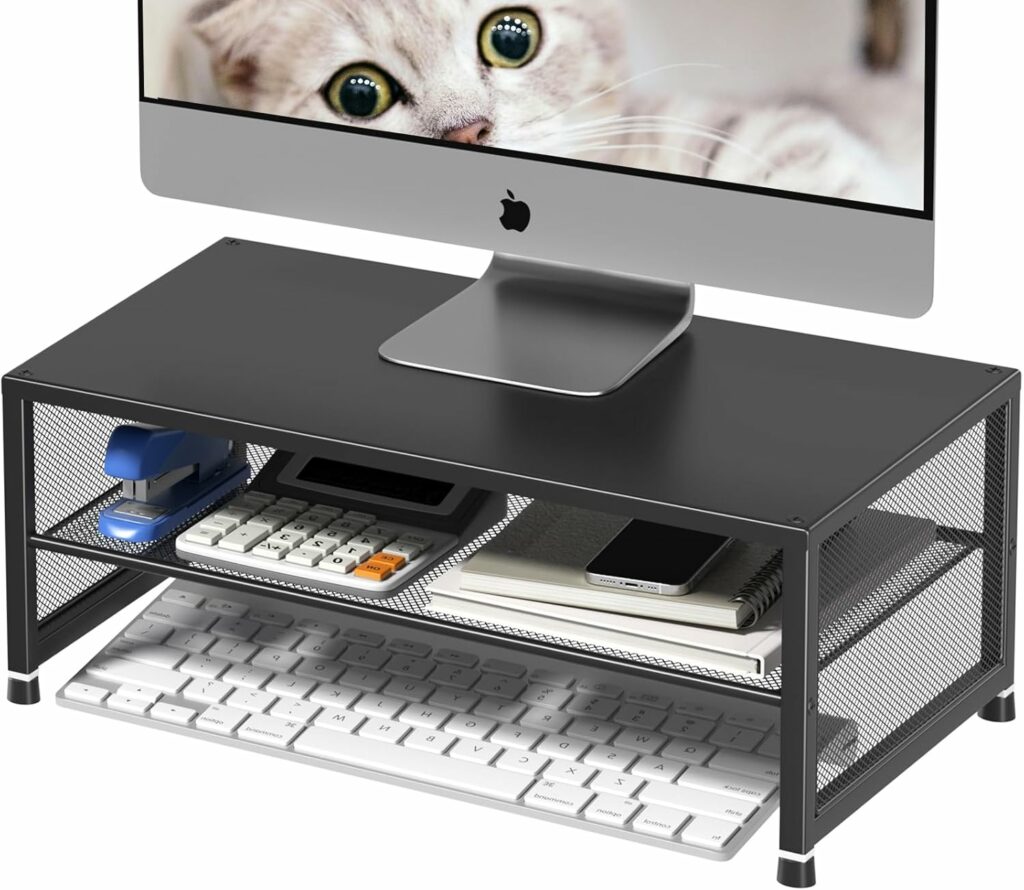
Computer Stand
When your computer monitor is too low, it can strain your neck over time. The solution to this is putting your computer on a stand so it’s at eye level. If you’re struggling with good posture at your desk, give this a try.
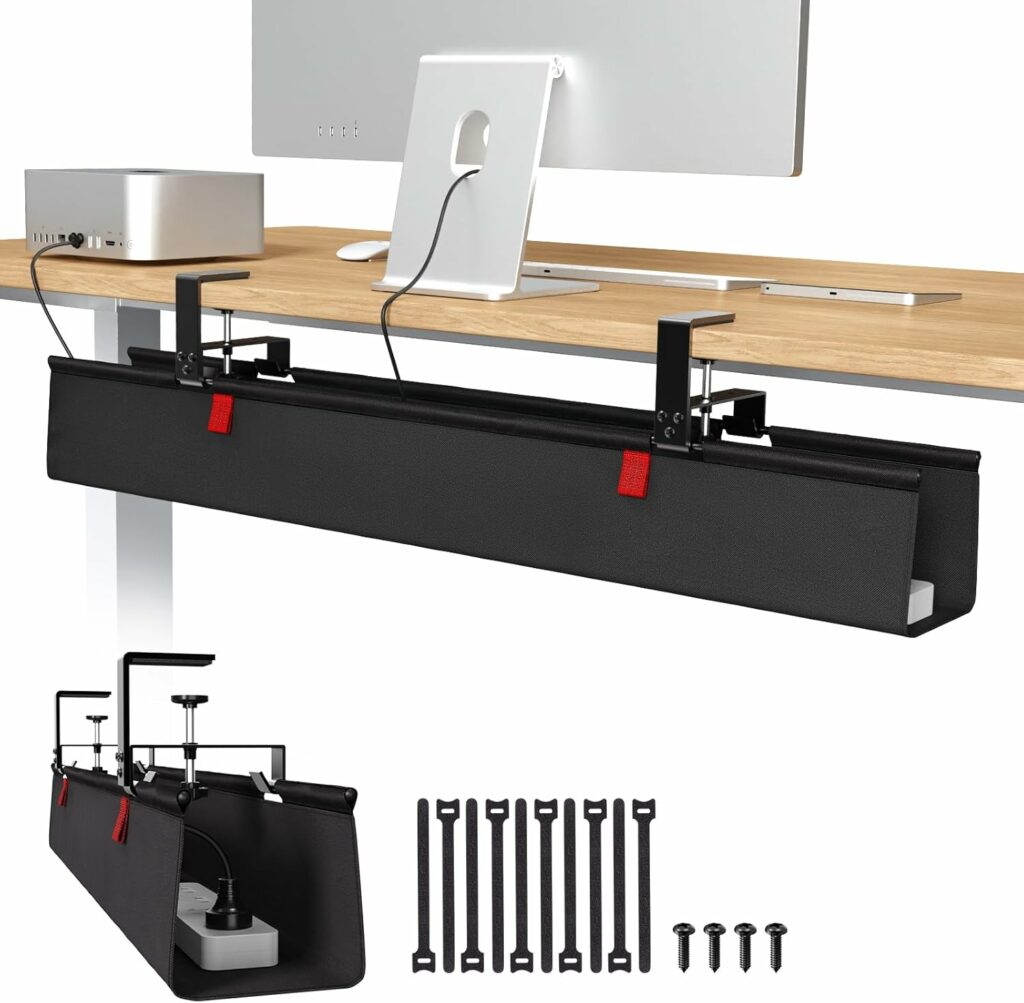
Cable Management
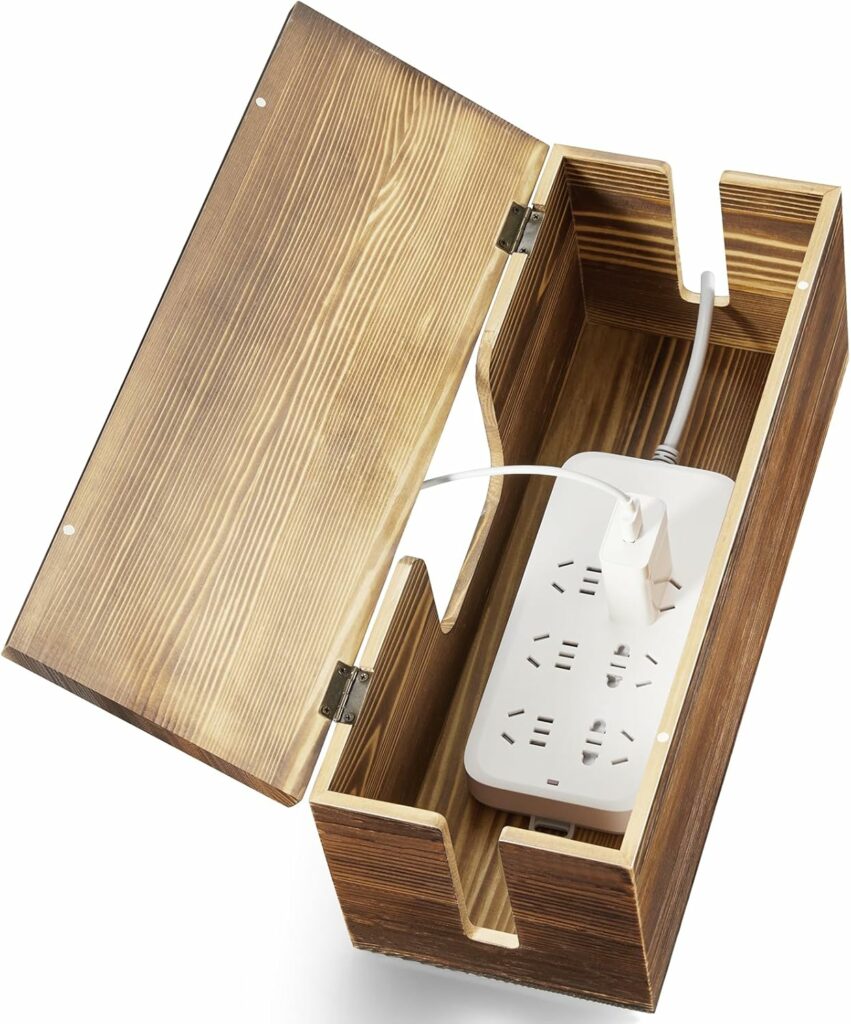
Nothing is more distracting and less aesthetic than cords lying all over your desk. Getting a cable organizer or concealer can remove the eyesores while still keeping everything accessible.
How to Set Up Your Desk
Consider Placement
The first thing you should consider is your desk’s location. It makes a big difference in how much natural light you get, how distracted you are, and your overall comfort.
The two big considerations for desk placement are the windows and doors. The general rule is that they should be in front of or beside your desk. Depending on your space, you might have to compromise on one or the other to find your optimal setup. For example, putting the door behind you so you can face the window.
If you don’t have a home office, then look for places in your home that will minimize distractions. Consider corners, nooks, or even hallways where you can get good lighting and remain focused.
Clear Clutter
Everyone has a different definition of what they consider “clutter”. What seems like a mess to you might be the perfect setup for someone else.
Take a moment and assess what you’re putting on your desk. What is essential and what is extraneous, i.e., clutter?
Anything you don’t need should be stored out of sight or relocated to another part of your home. You want your desk to be focused on whatever you use it for, not used as a storage space.
Hint: Now is a great time to wipe down or dust your desk. A dirty desk is no fun to work at.
Arrange Your Must-Haves
With all the extras out of the way, start setting up your desk, beginning with the must-haves. You can do this however you like, but here are a few things to keep in mind for the best posture and work configuration.
- Computer- In the middle of your desk, with the monitor at eye level.
- Keyboard- Far enough from the edge that your arms can remain at 90 degrees and angled so your wrists are flat while typing.
- Mouse- To the side of the keyboard, in line with your shoulder.
- Chair- High enough so your feet rest flat on the floor and your arms reach the desk at a ninety-degree angle.
Add Accessories
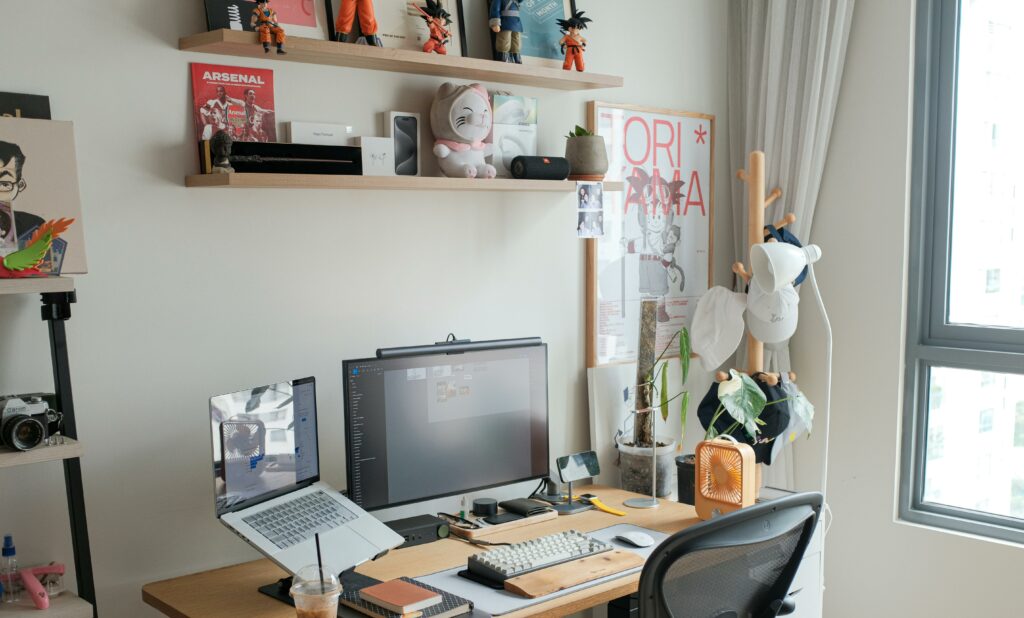
Feel free to stop once your desk essentials are in place. But don’t overlook the power of accessories to make your desk unique and a place you want to work.
Start with the more important add-ons, like lighting and organizers. Then, add in finishing touches like art, plants, calendars, phone chargers, desk mats, and anything else you want, as long as it’s not clutter.
Test It Out
Lastly, you need to test your desk setup. We suggest giving it a few weeks’ trial run and seeing how you like the layout and placement. If something doesn’t work for you, tweak it until it does.
Creating your perfect desk setup may take time, money, and a bit of trial and error. But if you follow these steps, you’ll have a space you love and that makes work or studying enjoyable.
No Comments